
Why Centralize Printers?
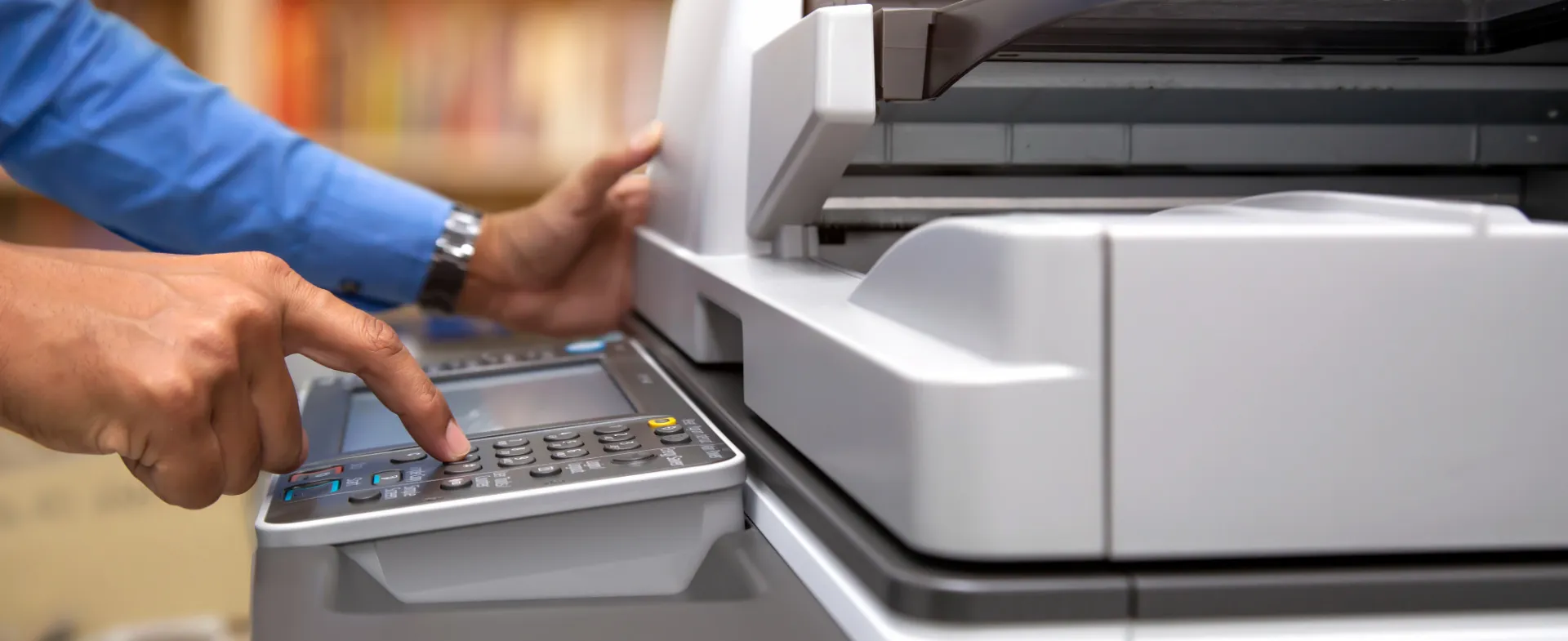
Every printer comes with hidden costs: paper, toner, electricity, maintenance, and the environmental impact of manufacturing and disposing of machines filled with metal and plastic. Centralizing printers and replacing deskside units with shared multi-function devices reduces this footprint while saving money. Managed print devices use fewer materials, require less maintenance, and free up valuable space. Through Columbia’s negotiated Ricoh contract, departments can access reliable, cost-effective MFDs with full print, scan, and fax capabilities.
Fast Facts
Stepping Stones to Print Centralization
0. Getting Started
Columbia schools and departments interested in transitioning away from single function devices (SFD) — desk-side printers, scanners, faxes, etc. — can follow the steps below to evaluate and implement a centralized managed print solution (MPS). This process helps reduce costs, improve service reliability, and support the University’s sustainability goals.
Through Columbia Print, the University has contracted with Ricoh to provide schools and departments with negotiated rates and service level agreements for multi-function devices (MFD) — which can print, scan, and fax — that align with University standards in order to reduce the number of SFDs.
To begin the process, email Columbia Print at [email protected] and include the Office of Sustainability at [email protected].
1. Initial Consultation
Ricoh will schedule an initial call or site visit to understand your department’s current print environment. This discussion will review:
- Existing SFD hardware
- Office layout and shared spaces
- Employee count
- Current printing and workflow needs
2. Data Collection and Assessment
Ricoh will work with the department to collect data about current printing practices, including:
- Total number of devices (printers, scanners, copiers and faxes)
- Device utilization and maintenance history
- Historical print and toner volumes
- Current spending on paper, toner, and machine maintenance
For existing Ricoh devices, usage data—including emissions data—can often be automatically sourced. If non-Ricoh devices are in use, the school or department should provide one year of procurement data, including:
- Paper purchase volumes and spending
- Toner purchase volumes and spending
- Printer maintenance and equipment expenses
3. Solution Recommendation
Based on the assessment, Ricoh will present a recommended solution that may include:
- Multi-function device (MFD) hardware recommendations
- Suggested device locations
- Workflow improvements
- Estimated cost savings
- Implementation logistics
4. School or Department Approval
The school or department reviews the proposal and confirms whether to move forward with the recommended solution.
5. Columbia Print Review
Ricoh submits the proposal to Columbia Print for review to ensure the solution aligns with University service level agreements and standards.
6. Implementation
Once approved, Ricoh coordinates:
- Delivery and installation of new devices
- User training and setup
- Removal and responsible disposal of legacy equipment
7. Measuring Success
The Office of Sustainability will track key metrics to evaluate the success of managed print centralization efforts contribution to university sustainability goals and financial savings, including:
- Total print device count
- Printer-related expenses (including maintenance and consumables)
- Paper usage
- Toner usage
- Greenhouse gas emission reductions
Check-ins on these metrics will be determined at the start of the process and will typically occur six or twelve months after implementation.
Click on each tab to view steps to print centralization.